
PMA450B vs. Garmin GMA 345 vs. GMA 35c: Which Audio Panel Fits Your Airplane?
If your airplane still has an older Garmin GMA 340 in the stack, you have three popular replacements to choose from. Two are Garmin panels: the GMA 345 and the remote-mounted GMA 35c. The third comes from PS Engineering, the company that has specialized in aircraft audio since 1985: the PMA450B. All three are capable, certified, and widely installed, so there isn't a single "best" panel. There is one that fits your airplane and the way you fly.
Premier Aviation Tucson is both an authorized Garmin dealer and an authorized PS Engineering dealer, so we install all three and don't have a stake in which one you choose. This guide covers how they differ, which pilots each one suits, and the questions to answer before you buy.
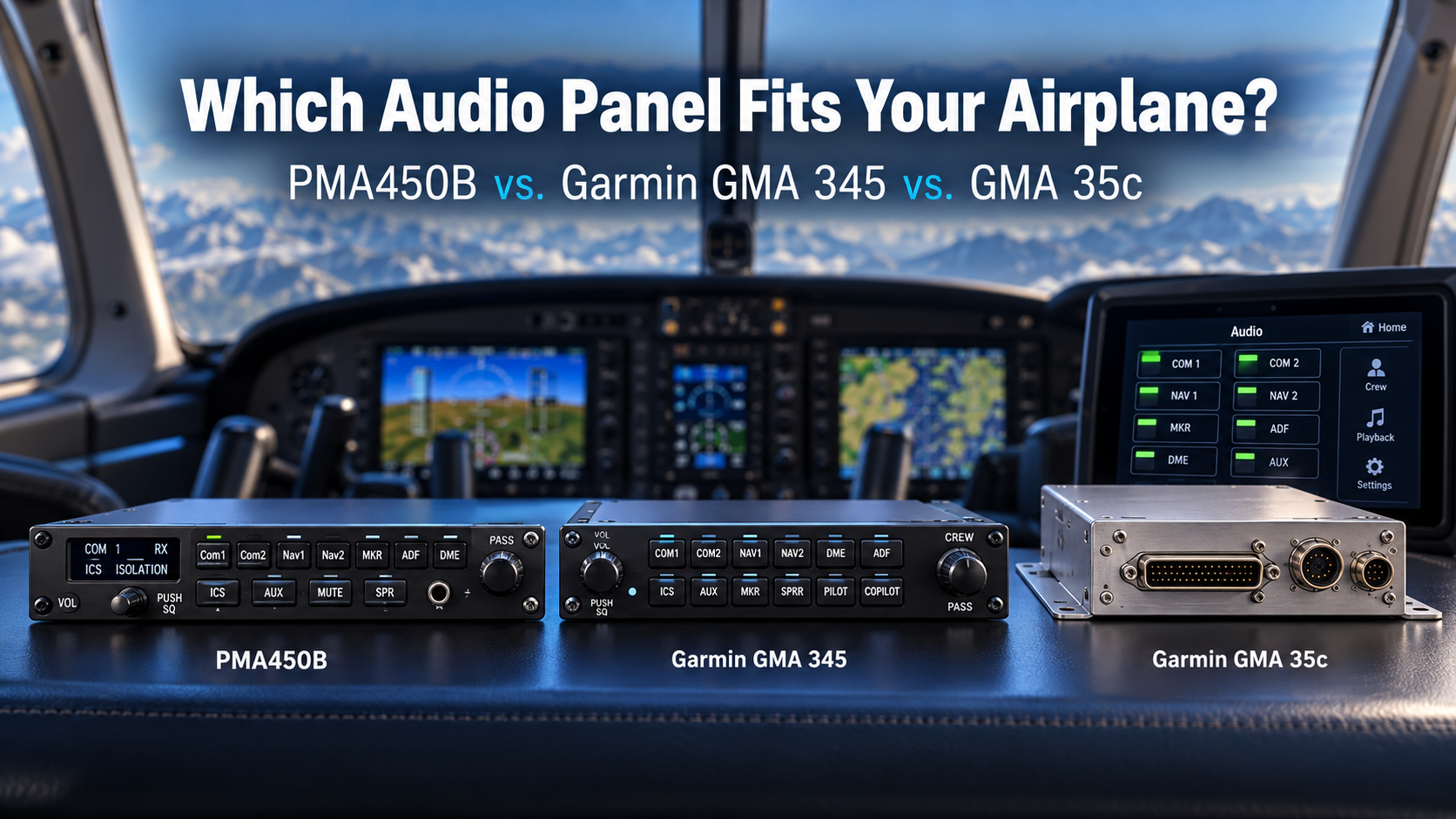
The Short Answer
- Choose the GMA 345 if you want a straightforward slide-in replacement for a GMA 340 with a familiar button layout, Bluetooth, and a Garmin-matched panel.
- Choose the GMA 35c if you're installing, or already have, a Garmin GTN 750-series navigator and want to save panel space by controlling audio from its touchscreen.
- Choose the PMA450B if you want the most Bluetooth connectivity, highly configurable dimensional audio, and pilot-recorded voice alerts, and you like an on-screen menu interface.
The rest of this article explains why.
Side-by-Side Comparison
| Garmin GMA 345 | Garmin GMA 35c | PS Engineering PMA450B | |
|---|---|---|---|
| Mounting | Panel-mounted, in the GMA 340's slot | Remote-mounted behind the panel | Panel-mounted, in the GMA 340's slot |
| How you control it | Front-panel buttons and knobs | GTN 750-series touchscreen | OLED display with three softkeys |
| GMA 340 replacement | Pin-and-rack compatible slide-in | Frees the GMA 340 slot; requires new wiring for the remote unit | Plug-and-play with the GMA 340 harness and tray |
| Bluetooth | Yes | Yes | Two independent Bluetooth modules |
| Spatial / dimensional audio | Garmin 3D Audio | Confirm for your configuration | IntelliAudio® with nine selectable positions |
| Intercom | Six-place stereo | Six or seven positions | Six-place IntelliVox® stereo |
| Radio recorder | 60-second clearance recorder | Last 2.5 minutes of audio | flightmate® continuous loop recorder |
| Custom spoken alerts | No | No | Yes, via flightmate® |
| Voice command | No | Optional Telligence™ voice control | No |
| Front-panel USB charging | Yes | No (no front panel) | Yes, USB-C at 15 watts |
Manufacturers update features and part numbers over time, so we confirm the exact configuration for your airplane when we quote an installation.
Garmin GMA 345: The Familiar Upgrade
Garmin designed the GMA 345 as a direct successor to the GMA 340. It is pin-and-rack compatible, so in many airplanes it slides into the existing tray and connects to the existing harness. The button layout will feel familiar to anyone who has flown behind a GMA 340, which is a real advantage for owners who don't want to relearn their panel.
Inside, it's an all-digital panel with Bluetooth, Garmin's 3D Audio, a six-place stereo intercom with automatic squelch, split-com mode so pilot and copilot can transmit independently, and a 60-second clearance recorder. A front-panel USB port handles device charging. Garmin also offers the GMA 342, which drops Bluetooth and USB charging in favor of a wired audio jack, for owners who want the newer audio at a lower price.
Best for: Owners who want the simplest path from a GMA 340, prefer physical buttons, or want an all-Garmin panel.
Garmin GMA 35c: Audio Without a Box in the Panel
The GMA 35c takes a different approach. Instead of a box in the stack, it mounts remotely behind the panel and is controlled from the touchscreen of a Garmin GTN 750-series navigator. Audio panel and intercom controls appear on the GTN screen, and the space where an audio panel would normally sit becomes available for other equipment.
It includes Bluetooth, automatic squelch, a recorder that captures the last 2.5 minutes of audio, and a six- or seven-position intercom. Garmin's optional Telligence™ voice command lets you control some functions by speaking.
The catch is that the GMA 35c only makes sense with a GTN 750-series navigator. If you're not installing one, it isn't an option. If you are, it's worth serious consideration, especially in a crowded panel.
Best for: Airplanes getting a GTN 750-series navigator, and owners who want to recover panel space.
PS Engineering PMA450B: Connectivity and Customization
The PMA450B is PS Engineering's flagship general aviation audio panel, and its strengths are different from Garmin's. It carries two completely independent Bluetooth modules, so a tablet and a phone can stay connected at the same time. Its IntelliAudio® system, licensed from U.S. Air Force research, lets you place Com 1 and Com 2 in any of nine positions in a stereo headset.
Its most distinctive feature is flightmate®. You can record alerts in your own voice and tie them to discrete inputs from engine monitors or avionics, so you hear a spoken warning instead of a generic tone. You can also record audio checklists, and a loop recorder lets you replay radio calls. Setup happens on an OLED screen with three softkeys rather than through button combinations.
Like the GMA 345, it's plug-and-play with the GMA 340's harness and tray. Using flightmate® alerts requires wiring the discrete inputs, which we plan as part of the install. For a closer look at owning one, see our PMA450B owner's guide.
Best for: Pilots who use several Bluetooth devices, fly busy IFR or multi-frequency environments, want custom spoken alerts, or record flights.
If the PMA450B appeals to you but you don't need flightmate® or streaming output, the lower-cost PMA450C keeps the dual Bluetooth and OLED interface.
Five Questions to Answer Before You Choose
Answer these honestly and the right panel usually becomes obvious:
- Is a GTN 750-series navigator in your plans? If yes, the GMA 35c belongs on the list. If no, cross it off.
- How many devices do you connect in flight? One phone or tablet is handled well by any of these. If you regularly juggle a tablet, a phone, and a camera, the PMA450B's dual Bluetooth makes a noticeable difference.
- Do you prefer buttons or menus? Some pilots want a dedicated button for everything. Others prefer a clean screen. Look at photos of each panel and be honest about which one you'd rather use in turbulence.
- Do you want custom alerts? If spoken warnings tied to your engine monitor or gear sound valuable, the PMA450B is the only panel here that offers them.
- What's the condition of your existing harness? Slide-in compatibility saves labor, but an old, heat-cycled harness may need attention regardless of which panel you choose. Your shop should check it before you commit.
Installation Considerations in Tucson
Whichever panel you pick, the installation determines how well it performs. Airplanes based in Southern Arizona spend a lot of time in extreme heat, and that's hard on wiring behind the panel. We inspect the existing harness and connectors on every audio panel job, because a new panel connected to a brittle harness will still produce static and dropouts. If you're curious why, read our article on how Tucson's summer heat affects your avionics.
We also set intercom levels for your headsets and cabin, pair your devices, and walk you through the controls before you fly home. You get a detailed written estimate before any work begins.
Frequently Asked Questions
Is the PMA450B a direct replacement for a Garmin GMA 340?
Yes. The PS Engineering PMA450B is plug-and-play with the GMA 340's wiring harness and tray. Additional wiring is only needed to use its flightmate alert inputs.
Is the GMA 345 a direct replacement for a GMA 340?
Yes. Garmin designed the GMA 345 to be pin-and-rack compatible with the GMA 340, so it can slide into the existing installation in many aircraft.
Can I use a GMA 35c without a GTN 750?
No. The GMA 35c is a remote-mounted audio panel controlled through the touchscreen of a Garmin GTN 750-series navigator, so it requires one.
Which audio panel has the most Bluetooth connectivity?
Of these three, the PS Engineering PMA450B, with two completely independent Bluetooth modules that let two devices stay connected at the same time.
Does Premier Aviation Tucson install both Garmin and PS Engineering audio panels?
Yes. Premier Aviation Tucson is an authorized dealer for both Garmin and PS Engineering and installs the GMA 345, GMA 35c, and PMA450B at Tucson International Airport.
Get a Straight Recommendation
The best audio panel is the one that fits your aircraft, your other avionics, and how you actually fly. If you're still deciding, tell us what's in your panel today and what you're planning next, and we'll give you an honest recommendation, whether that's Garmin or PS Engineering. Contact Premier Aviation Tucson or call 888-960-4288. We're inside Tucson International Airport at 1951 E Airport Dr, Building 2.